Built for distributed teams.
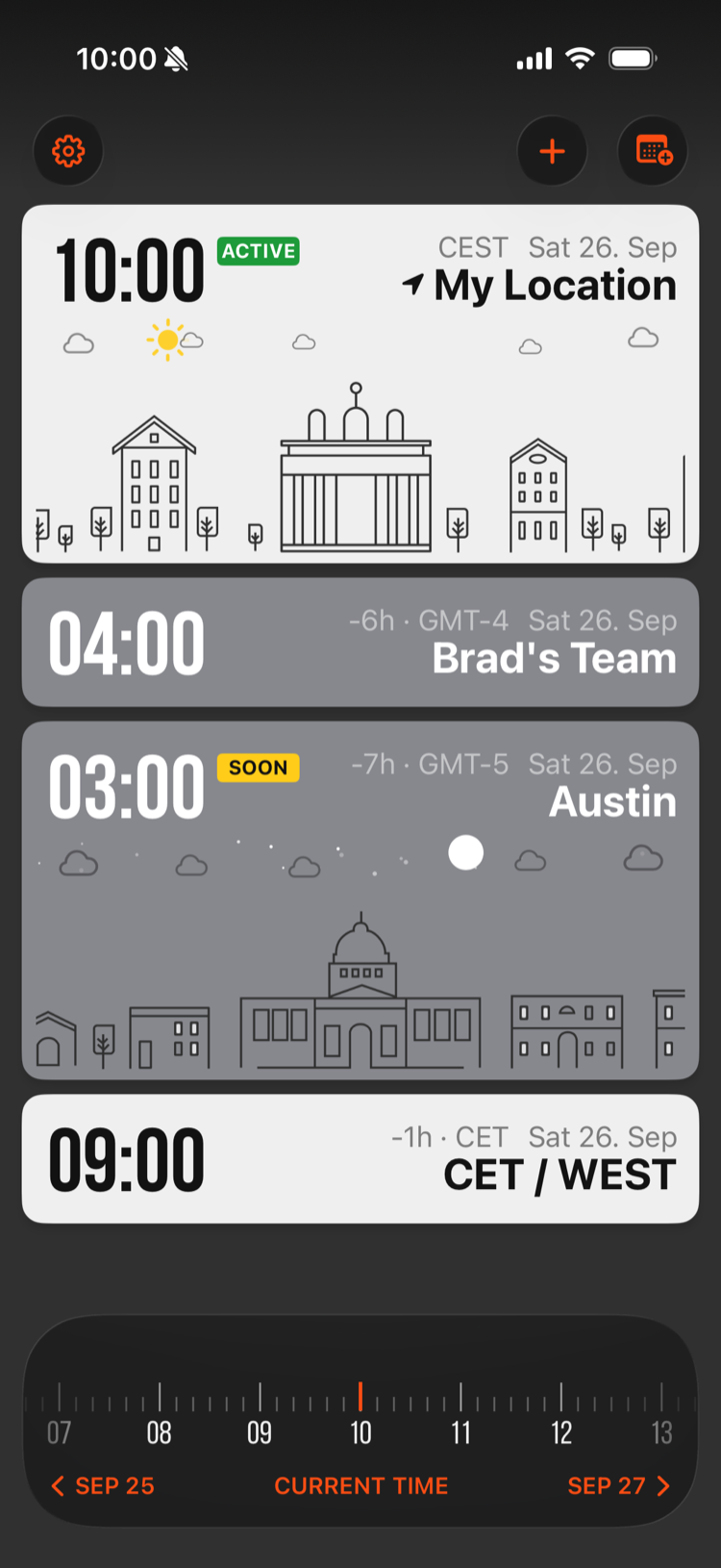
Every card shows the local time, day or night, and whether that person is available right now.
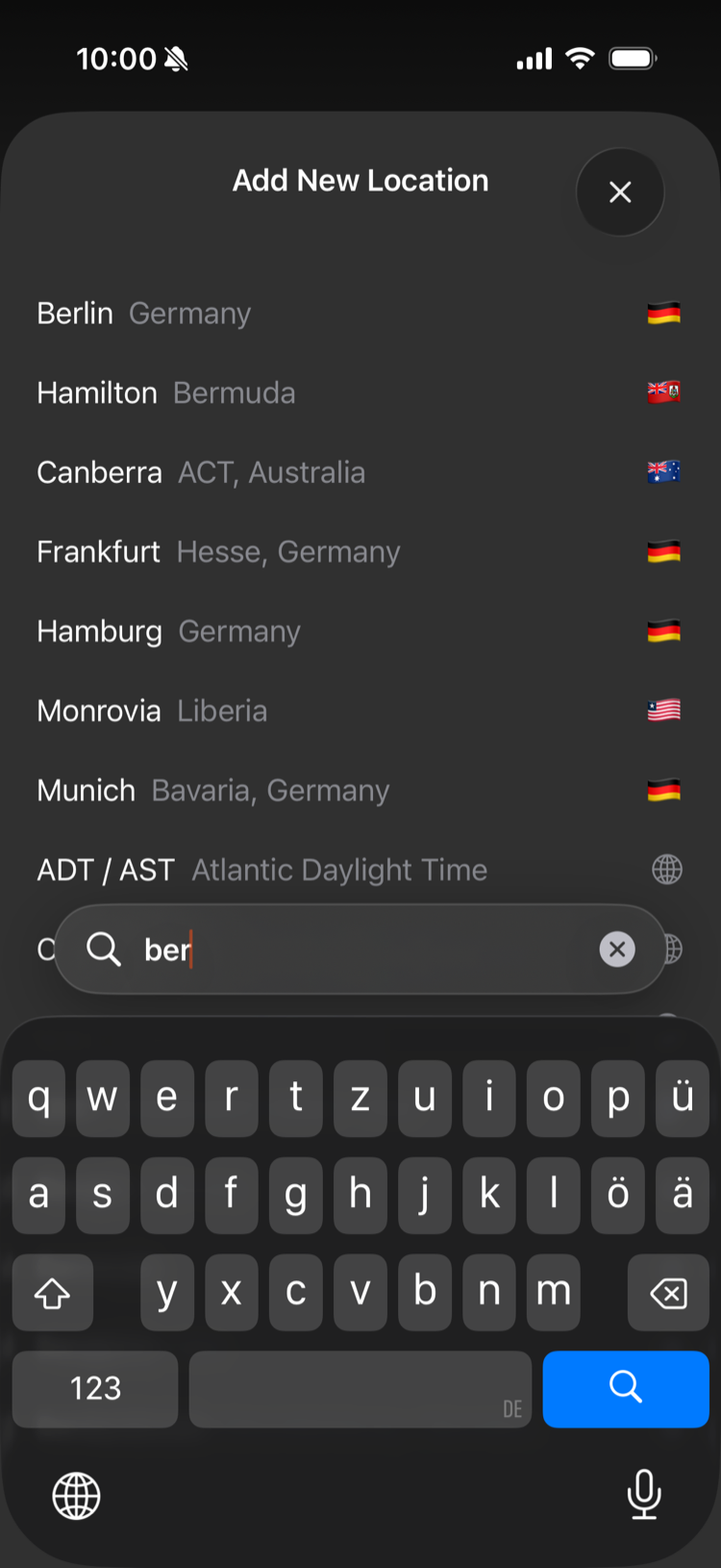 Add any city
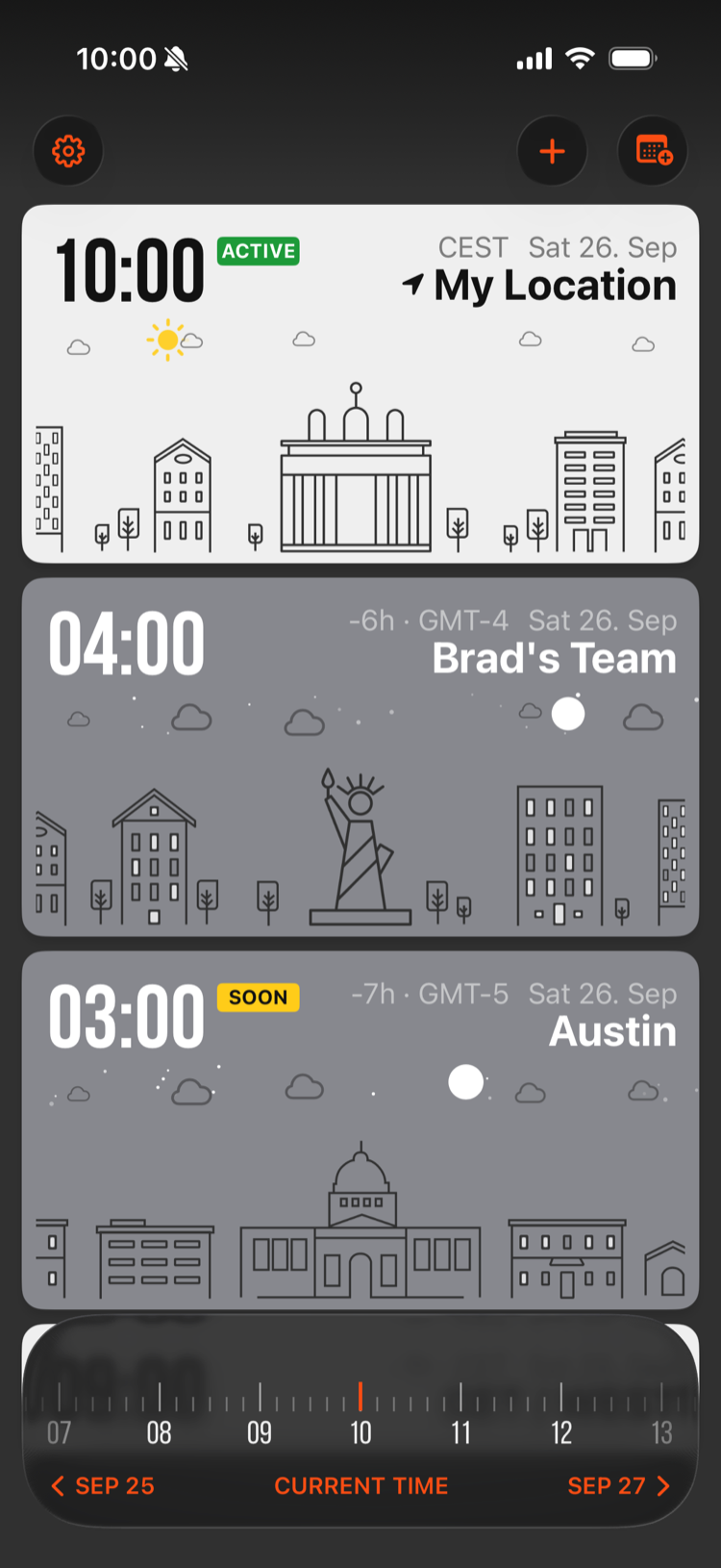 Everyone at a glance
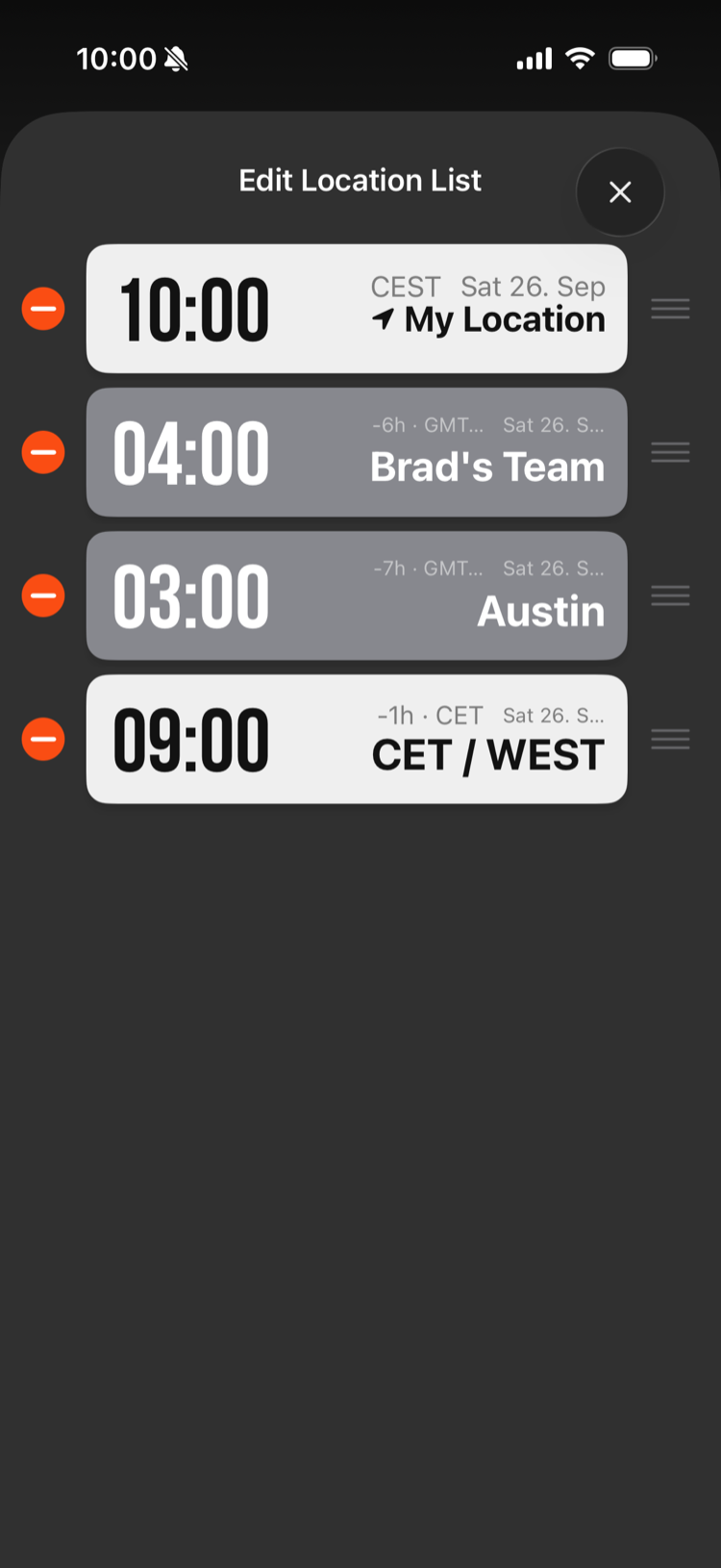 Edit & reorder
Every timezone,
one click
away.
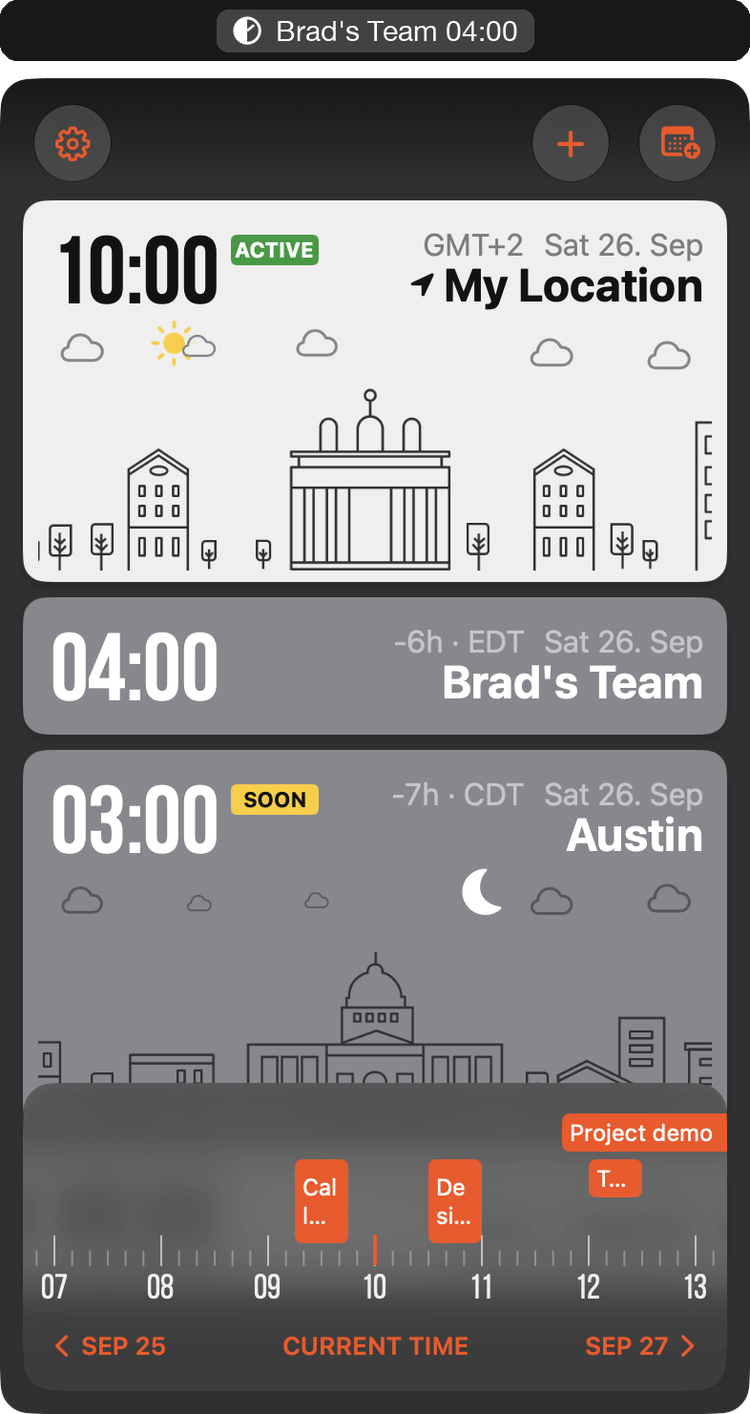
GlobeTempus+ for Mac lives in your menu bar. Keep the cities you care about right next to your clock, and click for the full world clock — the same cards, timeline and calendar as on your iPhone.
Set working
hours once,
know forever.
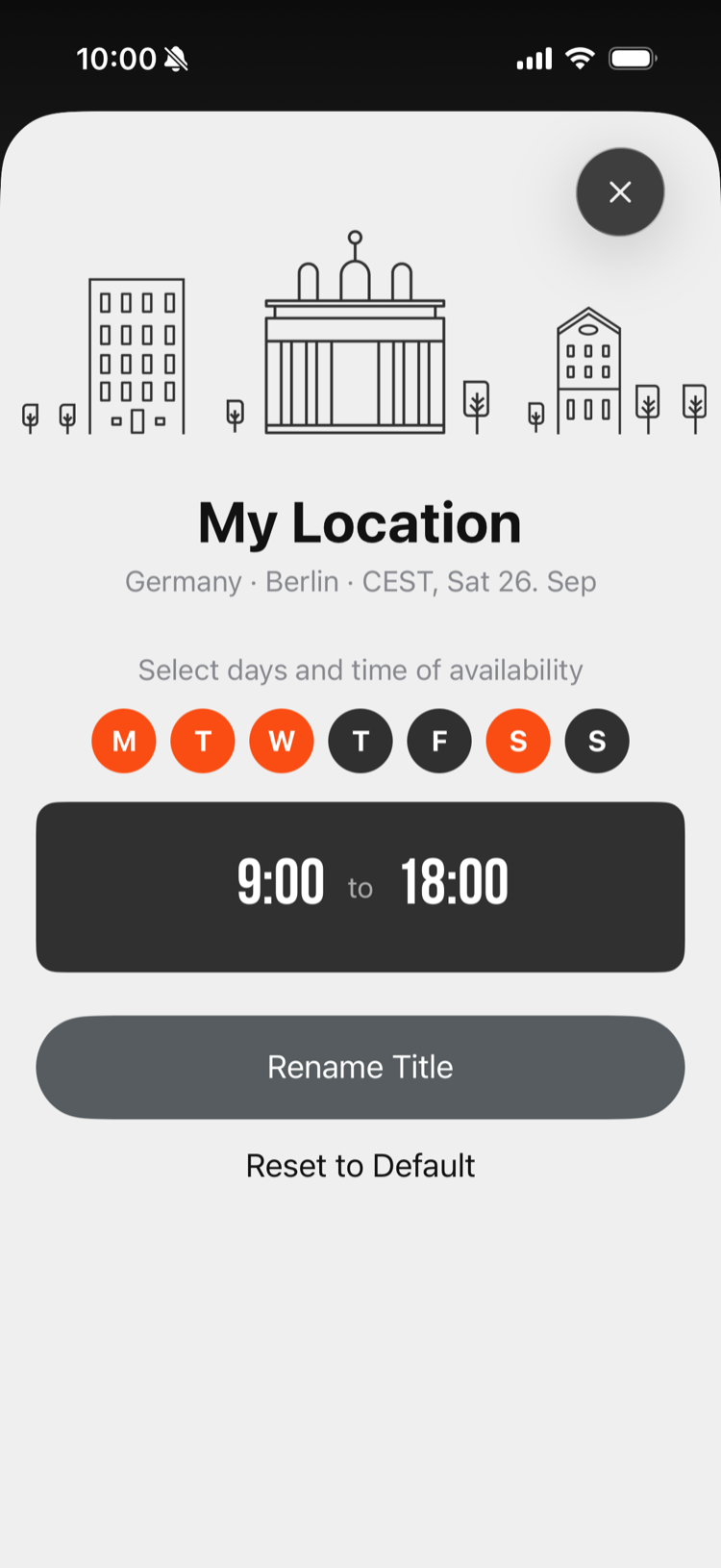
Tap any location to name it and pick its working days and hours. A live badge — ACTIVE or SOON — tells you who's reachable, so you never have to do the math.
See who's off,
before you
book.
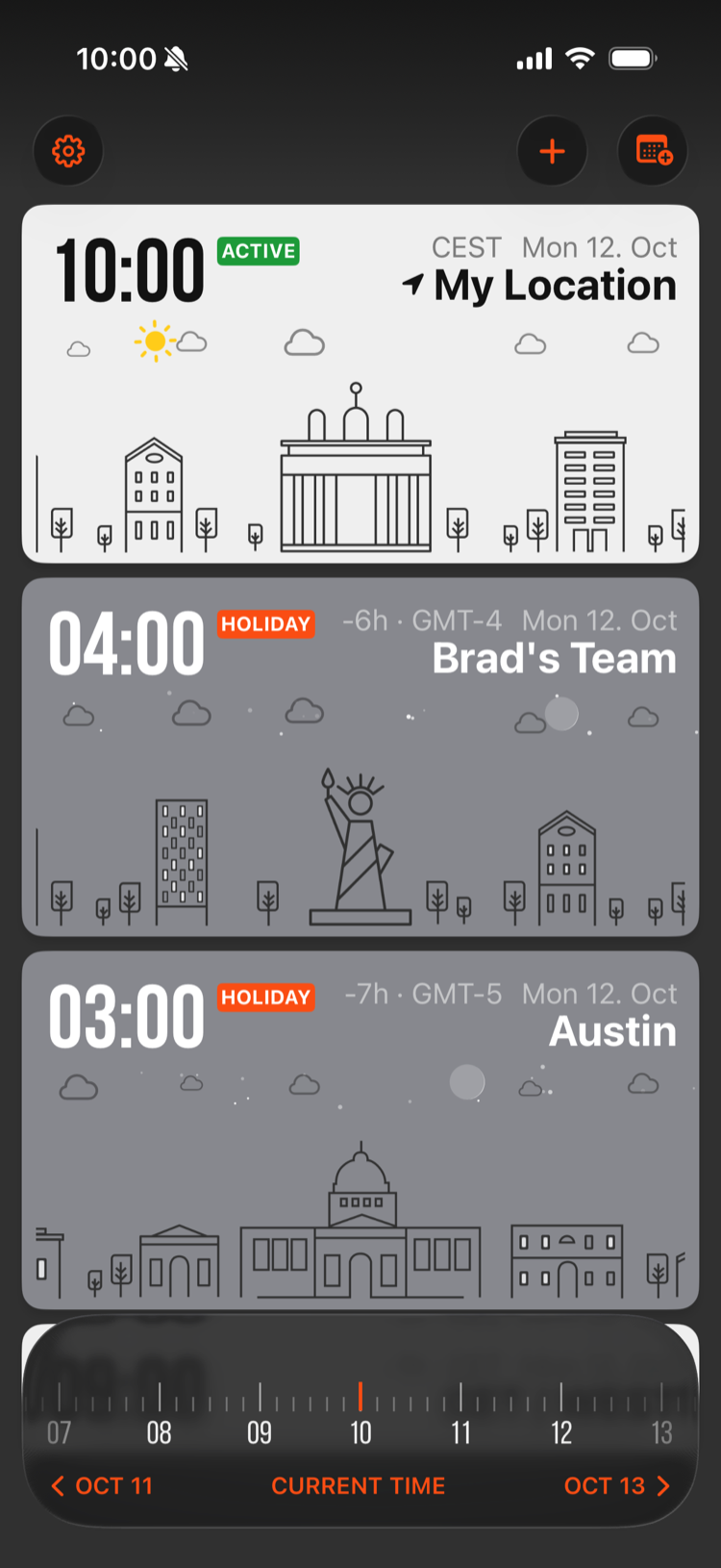
A HOLIDAY badge appears on any city that's on a public holiday, so you never plan a call on someone's day off. Every city lists its upcoming holidays, for 240+ countries — Diwali and Eid included — and Germany, the US, Canada and Australia count their regional holidays too. Create an event on a day off and we ask first.
Your calendar,
on every
clock.
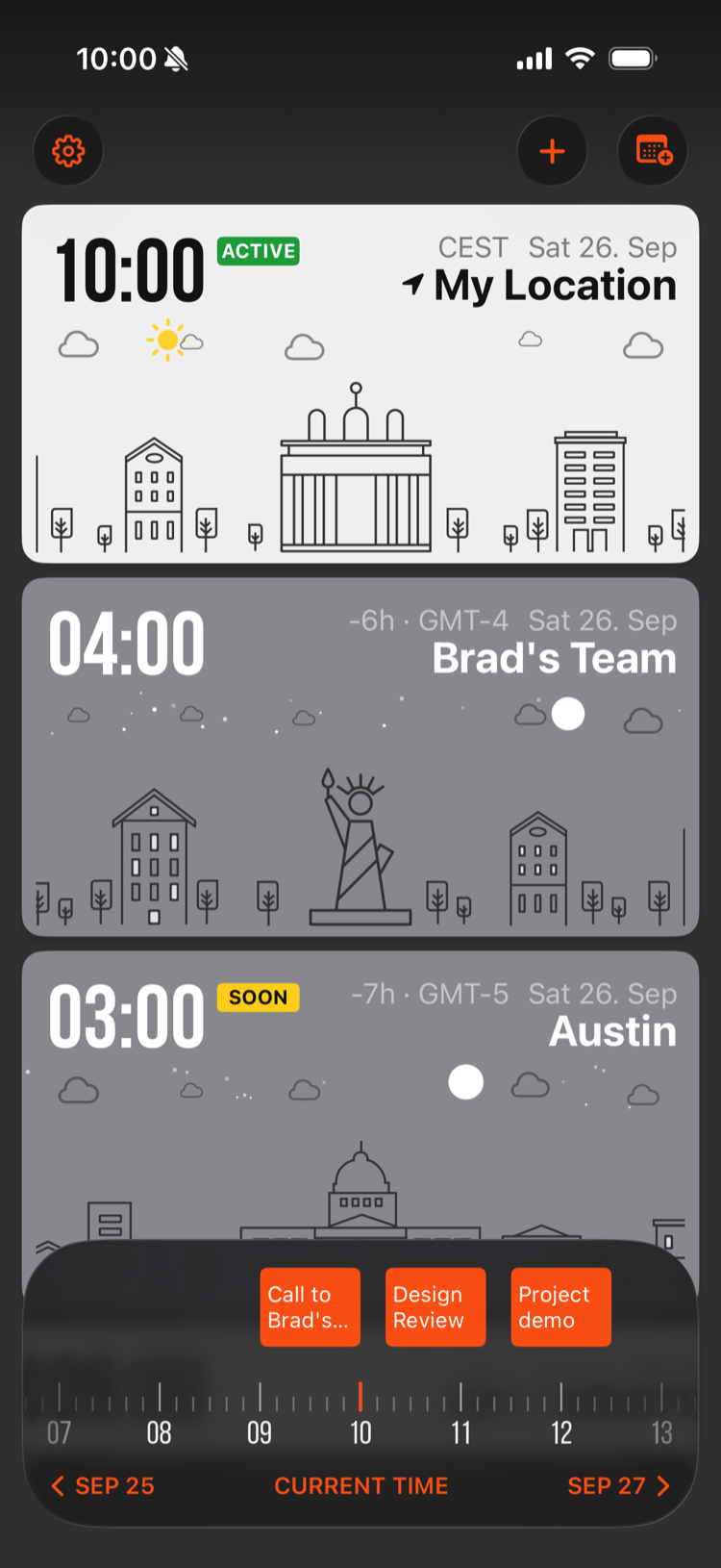
Your events appear right on the timeline, lined up with every timezone. Swipe to find a free slot, tap an event for its details, and create a meeting without leaving the app.
Your list,
your
order.
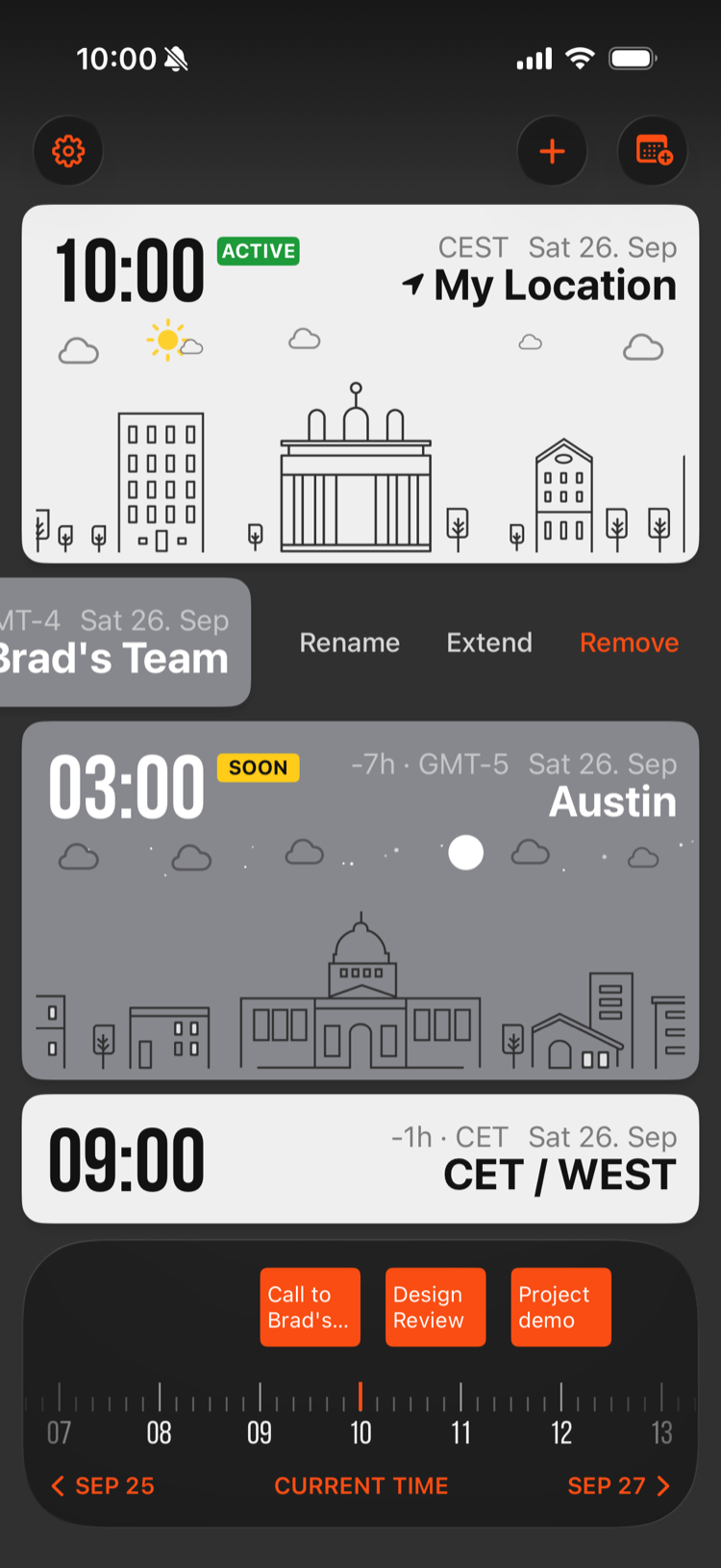
Swipe a location left to rename, extend, or remove it. Reorder the whole list from Edit List in the menu. Name each one whatever makes sense — a city, a teammate, a team.
Thoughtfully designed,
deeply useful.
Live World Clocks
Cards switch between day and night styling automatically, so you see at a glance who's likely awake.
City Illustrations
78 hand-drawn skylines, from Berlin's Brandenburg Gate to Austin's Capitol, lit for day or night.
Timeline Scrubber
Swipe through any day, past or future, across every timezone at once. Tap Current Time to jump back to now.
Create Events
Found a time that works? Turn it into a calendar event straight from your world clock.
Team Labels
Group timezones under meaningful names — "Brad's Team", "Austin Office" — not just raw city names.
Private by Design
No account and no sign-up. Your locations stay on your devices and in your own iCloud, your calendar never leaves them, and time works offline.
Up in seconds.
Add locations
Tap + to add any city or timezone, then give it a name that makes sense — a teammate, a team, an office.
Set availability
Tap a location to choose its working days and hours. Badges show who's active now.
Find the overlap
Swipe the timeline to compare times with your calendar, then create the event right there.