 GlobeConverter
The whole world,
stacked in four cards.
Currencies, crypto, gold and 945 units, in one pile you flick.


4.8 ★★★★★
114K+ ratings on the App Store
7M+
downloads worldwide, on iPhone and iPad
17 years
on the App Store, since 2009
Using it for more than 10 yearsI am using this app since I got my first iPhone, more than 10 years. I found it very useful and easy to use.
Favorite App!Use it for all my international travel and does me right every time especially with currencies whose exchange rates I’m not too familiar with!
Very usefulThis app has been a life saver when it comes to navigating both metric and imperial systems.
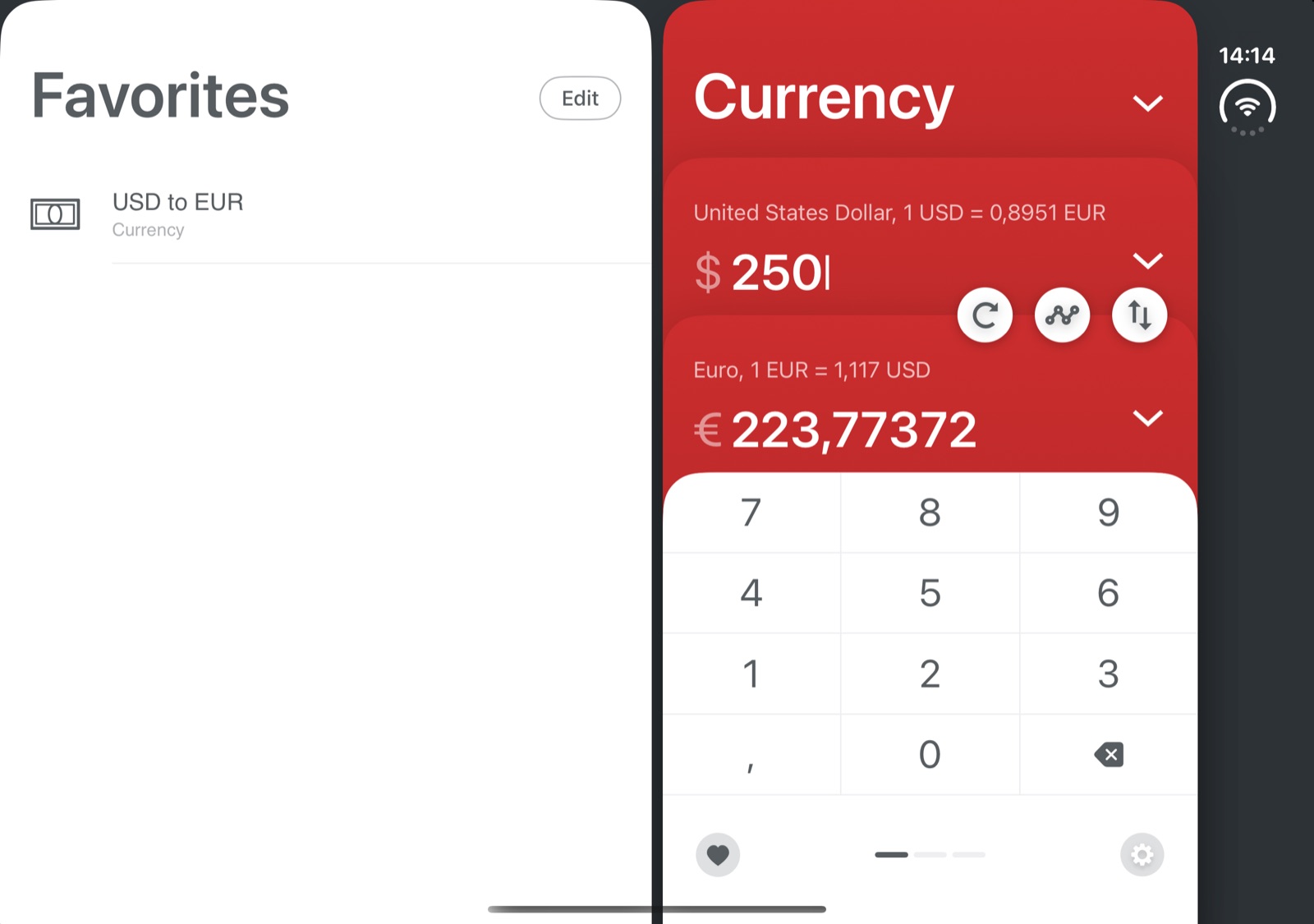
Made for iPhone Duo.
Favorites on the left half, the converter on the right, meeting exactly at the fold.
What’s in the pile.
Free to download, with ads; features marked Full Version need the upgrade.
- Your own exchange rateSet the rate your bank or airport booth really gives you.
- 179 currencies and 7 cryptosBitcoin, Ethereum, Toncoin and more, with live rates.
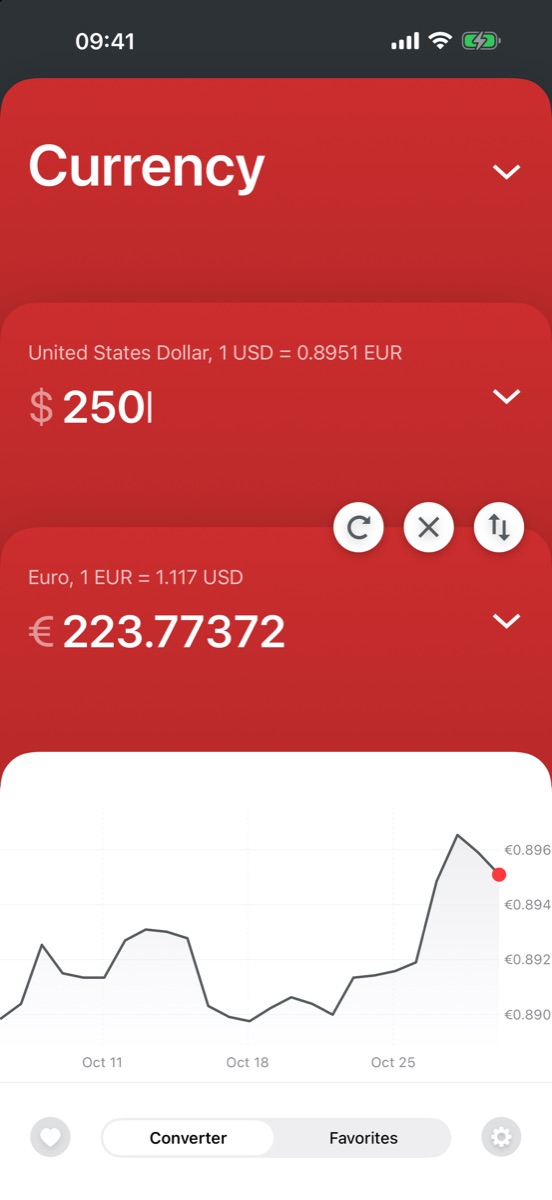
- Currency history Full VersionA chart of how your pair has moved.
- Works offlineThe last rates are cached for when you have no signal.
- 945 units in 39 categoriesGold, silver, platinum and palladium included.
- CalculatorSplit a bill, then convert it.
- Favorites with iCloudSave a pair with its last amount.
- iPhone, iPhone Duo and iPadPortrait and landscape.
From pizza grams
to picofarads.
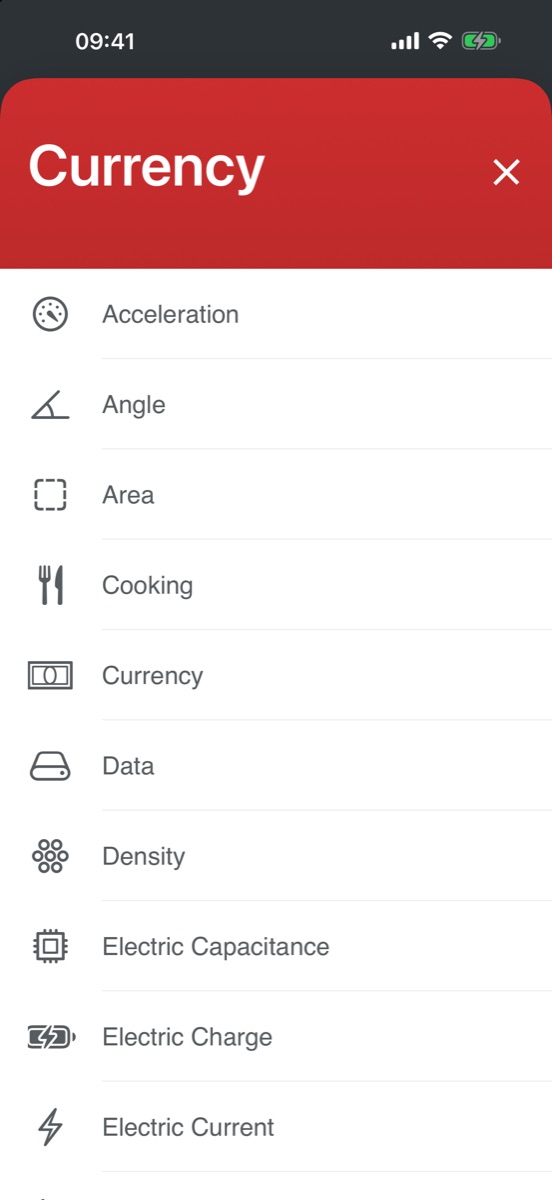
- Currency
- Length
- Weight
- Temperature
- Volume
- Cooking
- Area
- Speed
- Time
- Data
- Network Speed
- Fuel Consumption
- Pressure
- Energy
- Power
- Force
- Torque
- Acceleration
- Angle
- Density
- Frequency
- Precious Metals
- Illuminance
- Luminance
- Metric Prefixes
- Radioactivity
- Radiation Dose
- Viscosity
- Viscosity (Kinematic)
- Volumetric Flow
- Mass Flow
- Electric Current
- Electric Voltage
- Electric Resistance
- Electric Charge
- Electric Capacitance
- Electric Inductance
- Magnetic Field
- Typography
Charts, themes,
no ads.
GlobeConverter is free to download. Every converter is free. Upgrade monthly, yearly or once, or with the Globe Bundle of Globe Studio apps.
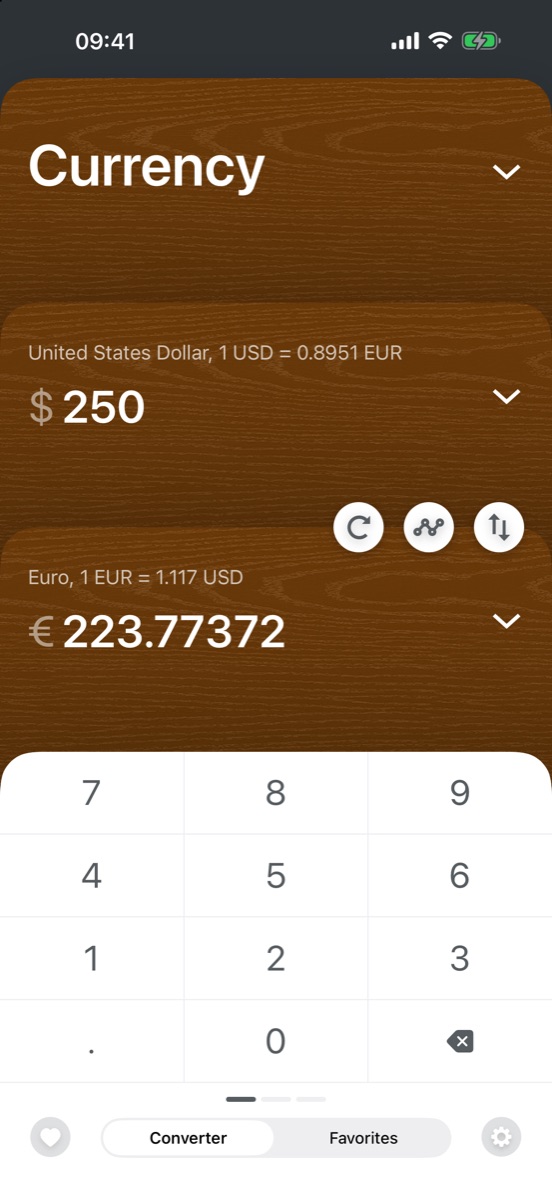
- Three more themesDark, Purple and Blue.
- Currency historyCharts of how your pair moved over time.
- Unlimited favoritesFree keeps up to five pairs.
- No adsJust you and your cards.
Good questions.
Is GlobeConverter free?
Yes, GlobeConverter is free to download on the App Store. Every converter and the calculator are free. An optional Full Version adds currency history charts, the Dark, Purple and Blue themes, unlimited favorites and removes ads.
How many currencies and units does GlobeConverter support?
179 currencies, 7 cryptocurrencies (Bitcoin, Ethereum, USD Coin, Dogecoin, Litecoin, Bitcoin Cash and Toncoin), gold, silver, platinum and palladium, and 945 units across 39 categories, including length, weight, temperature, cooking, data, network speed, pressure, energy, torque, viscosity, radioactivity and typography.
Does GlobeConverter work offline?
Yes. Unit conversions are calculated on the device, and the latest currency rates are cached so currency conversion keeps working without a connection. Tap the refresh button to update rates when you are back online.
Can I use my own exchange rate?
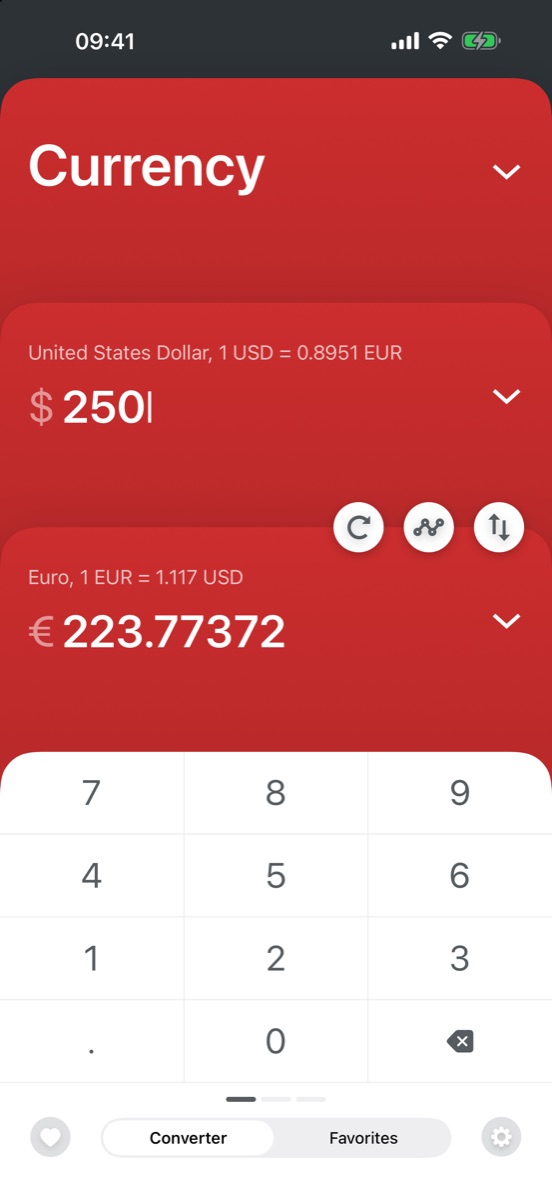
Yes. Swipe the keypad left twice to adjust the rate for the selected currency pair, for example to match your bank or a cash exchange booth.
Does GlobeConverter work as a calculator?
Yes. Swipe the keypad left to open the calculator with clear, percent, divide, multiply, subtract, add, sign change and equals.
Which devices does GlobeConverter run on?
iPhone, iPhone Duo and iPad, in portrait and landscape. On an unfolded iPhone Duo your favorites and the converter each take one half of the screen.