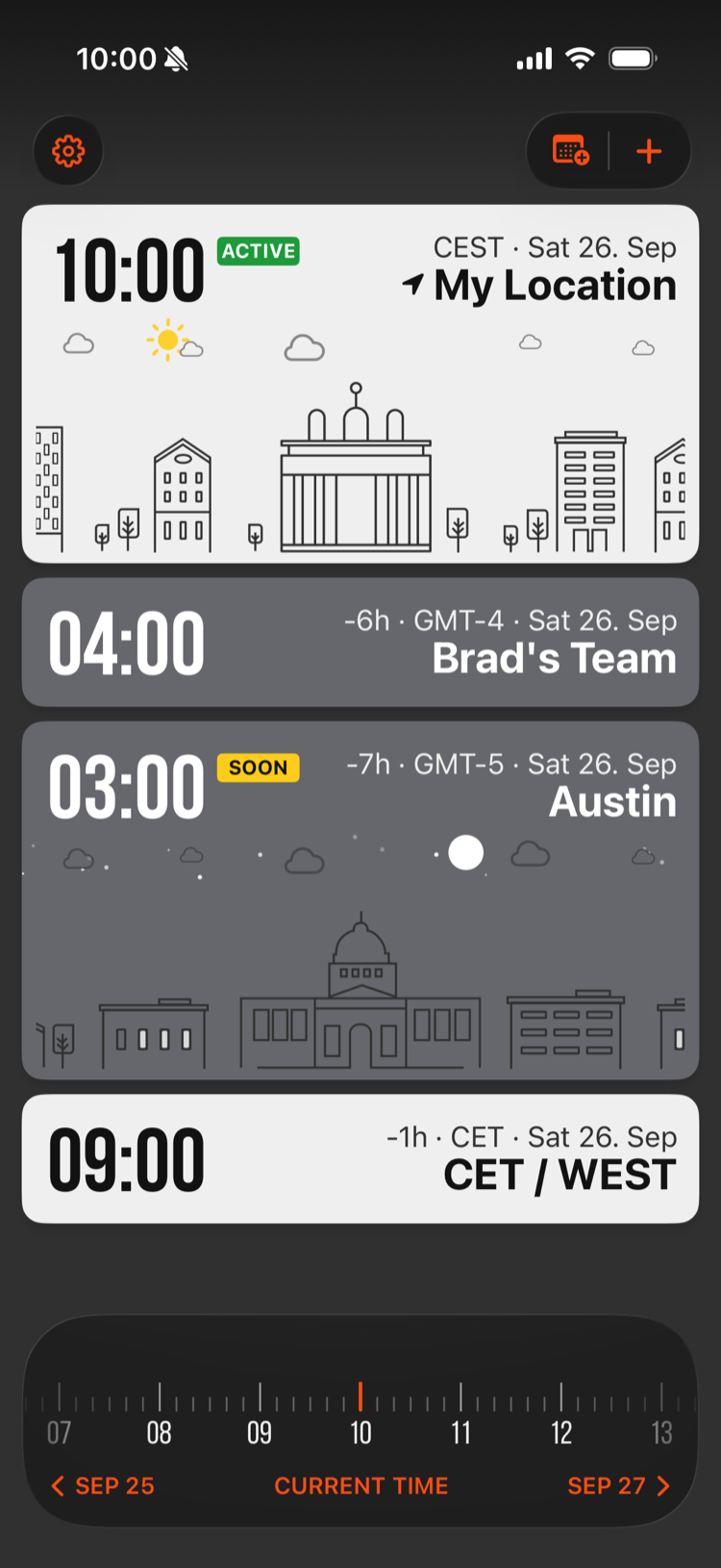
Built for distributed teams.
Every card shows the local time, day or night, and whether that person is available right now.
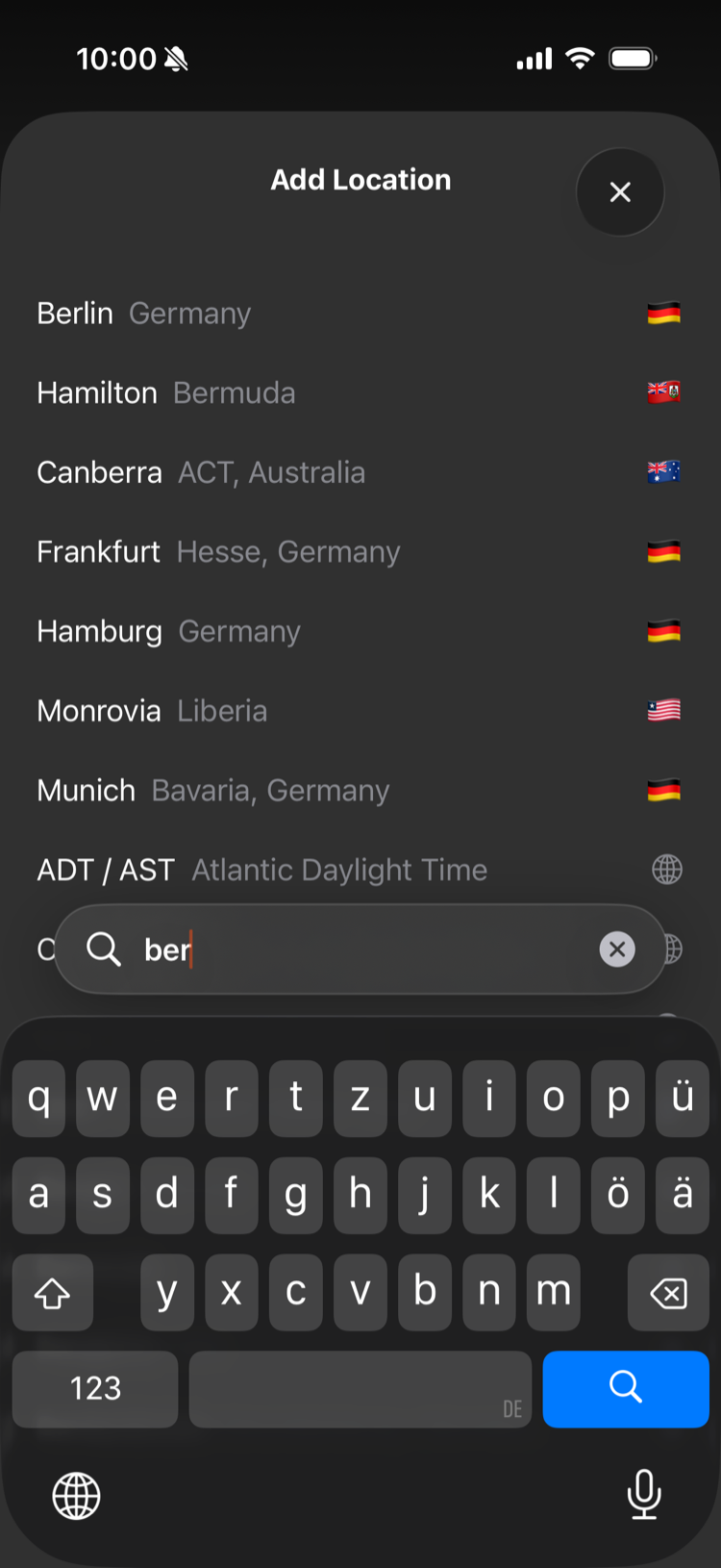 Add any city
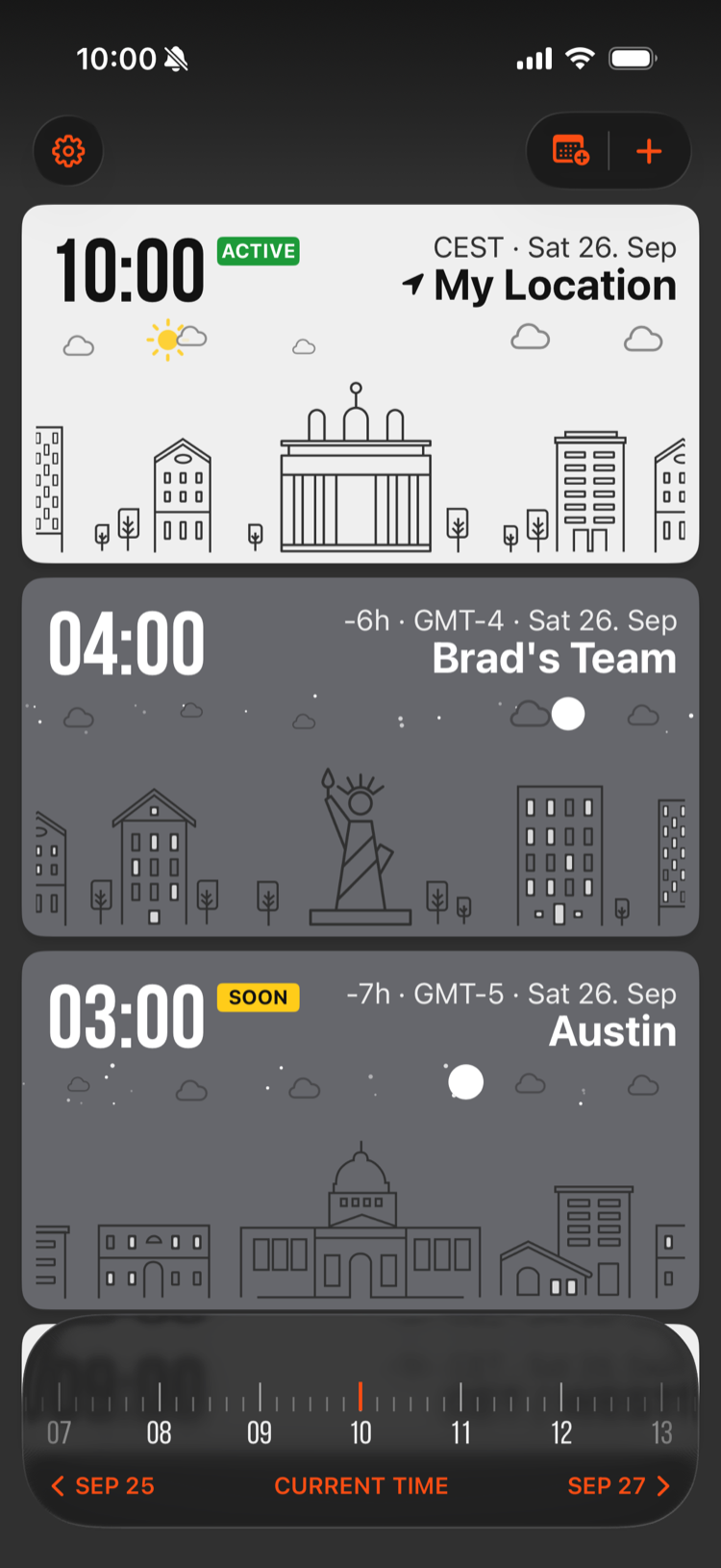 Everyone at a glance
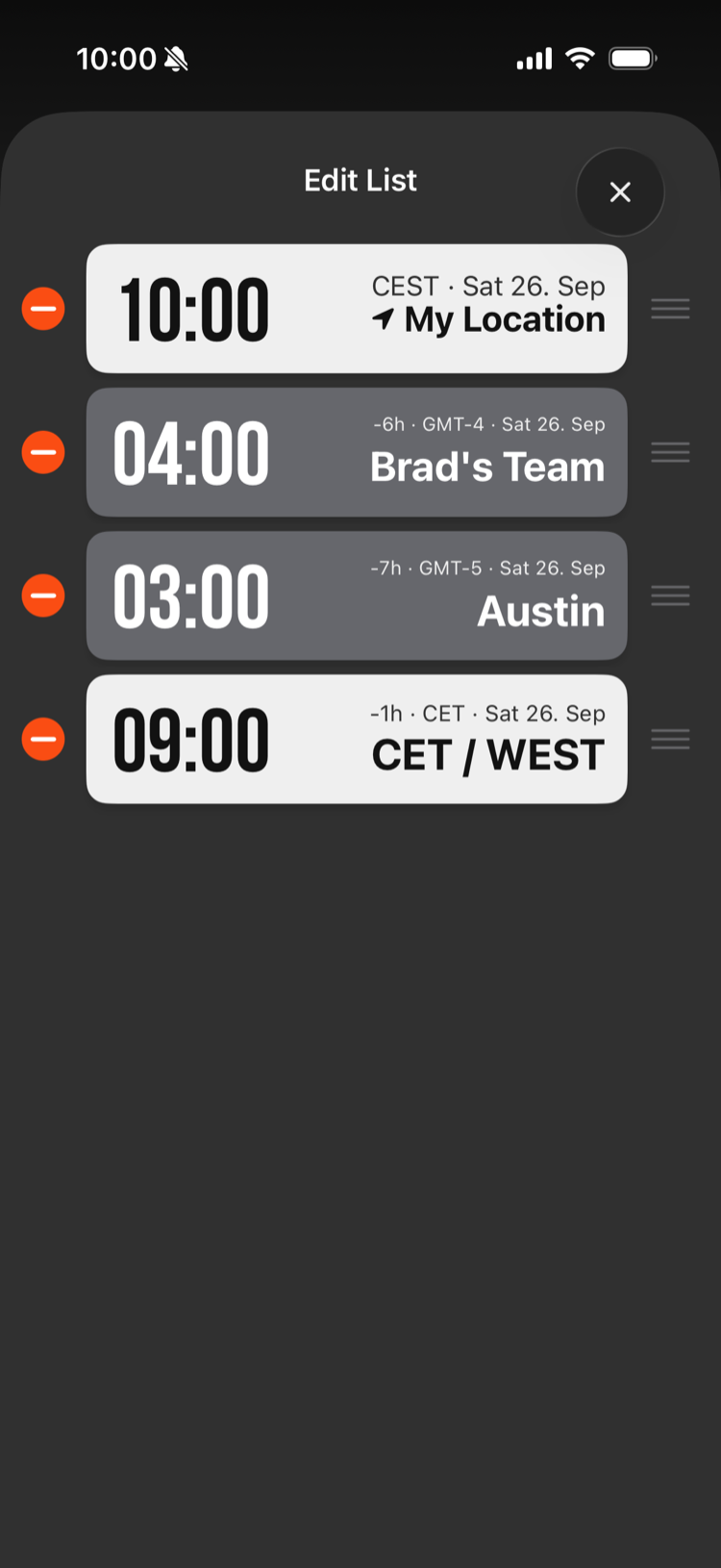 Edit & reorder
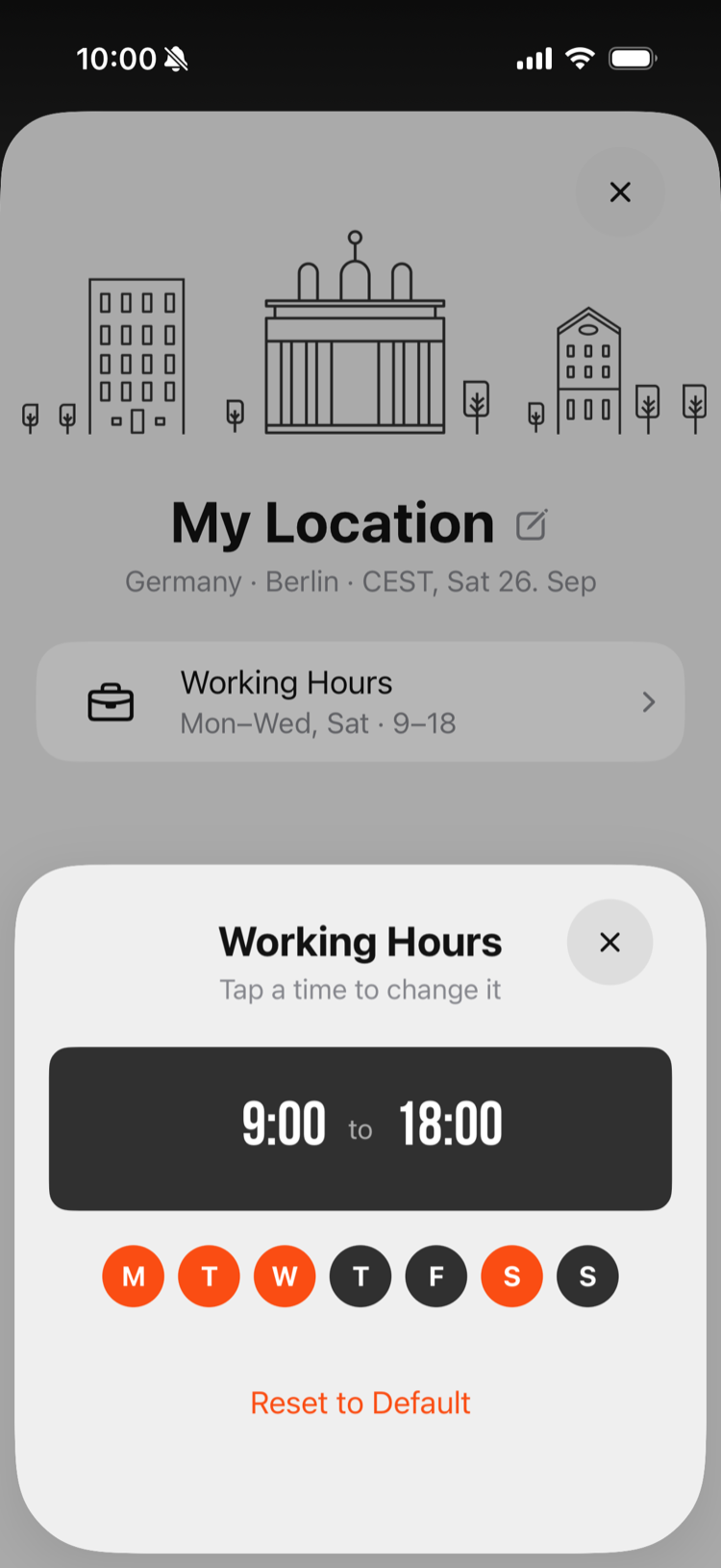
Set working
hours once,
know forever.
Tap any location to name it and pick its working days and hours. A live badge — ACTIVE or SOON — tells you who's reachable, so you never have to do the math.
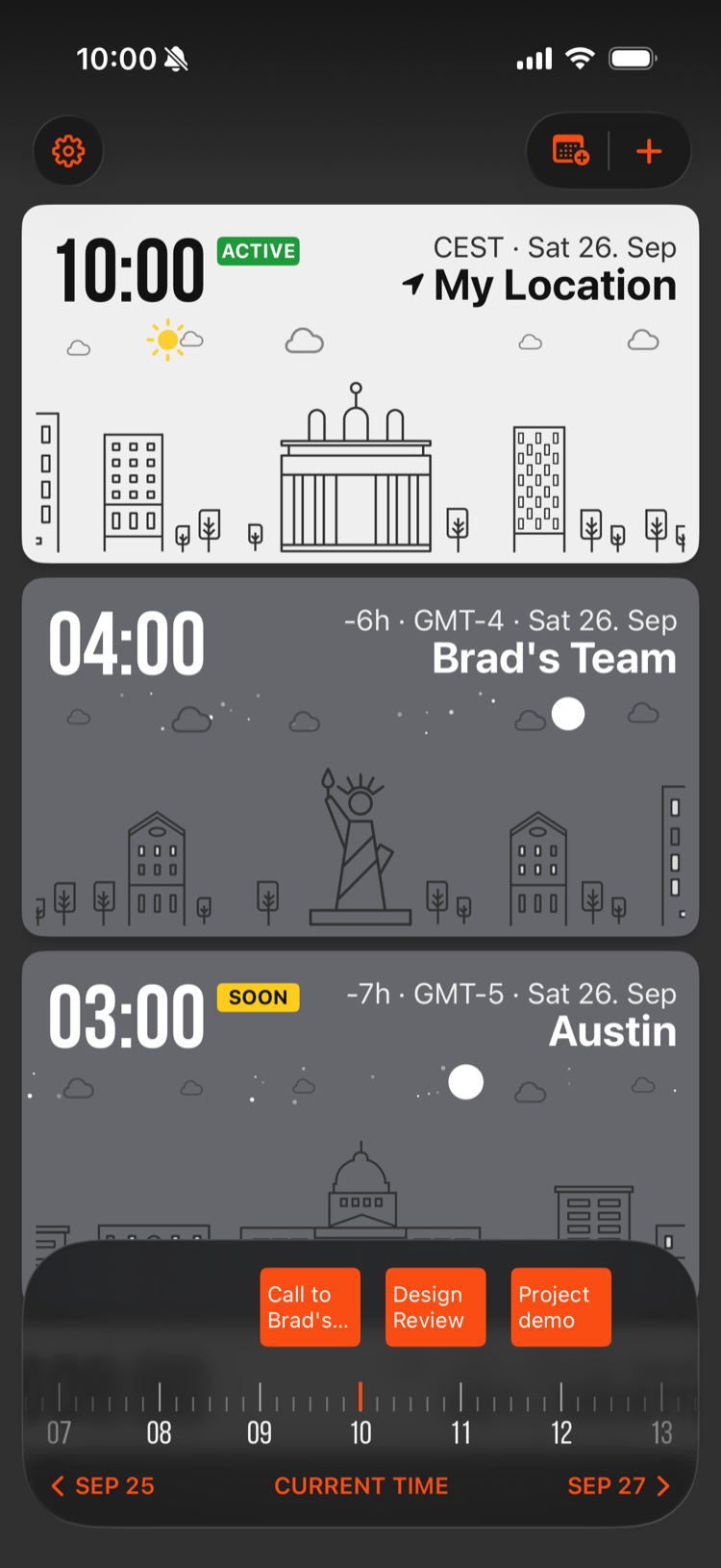
Your calendar,
on every
clock.
Your events appear right on the timeline, lined up with every timezone. Swipe to find a free slot, tap an event for its details, and create a meeting without leaving the app.
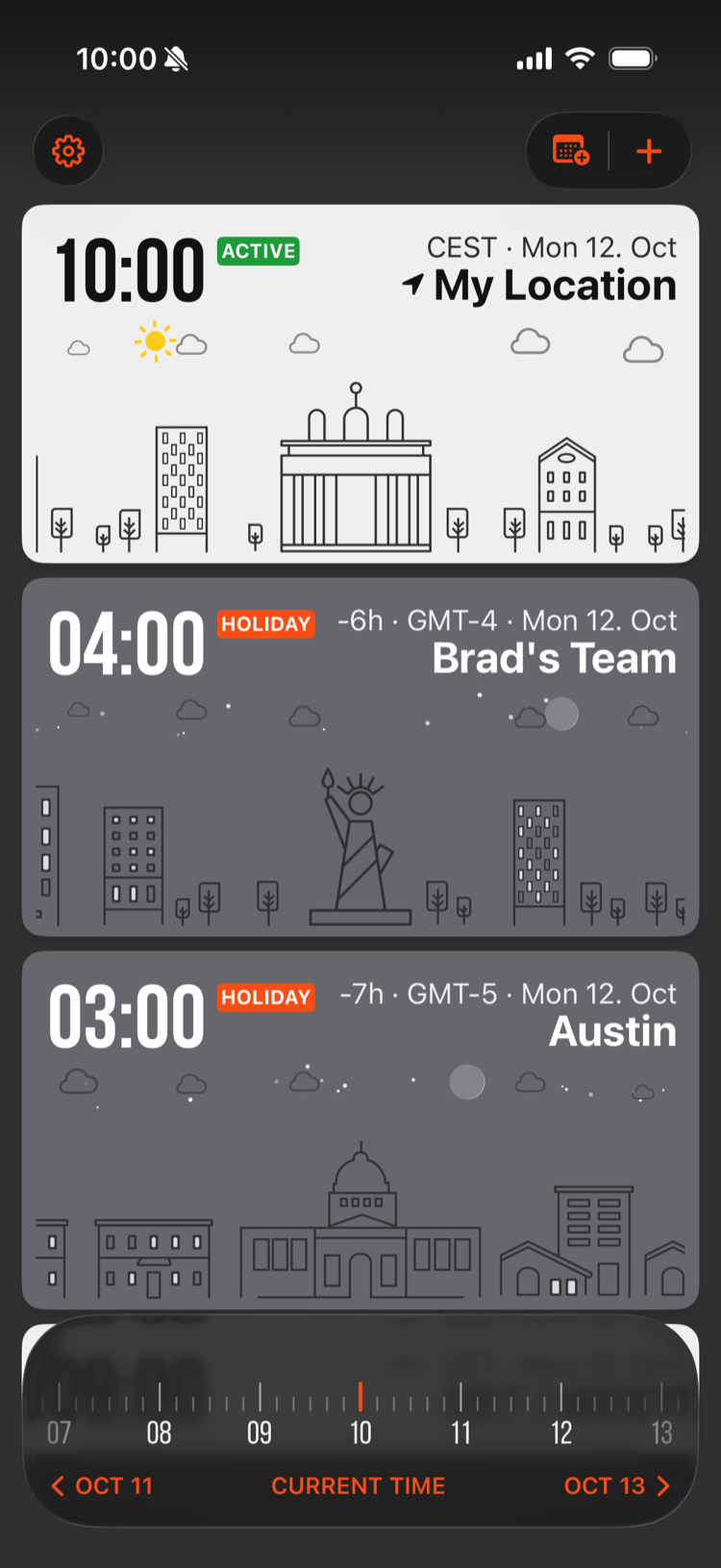
See who's off,
before you
book.
A HOLIDAY badge appears on any city that's on a public holiday, so you never plan a call on someone's day off. Every city lists its upcoming holidays, for 240+ countries — Diwali and Eid included — and Germany, the US, Canada and Australia count their regional holidays too. Create an event on a day off and we ask first.
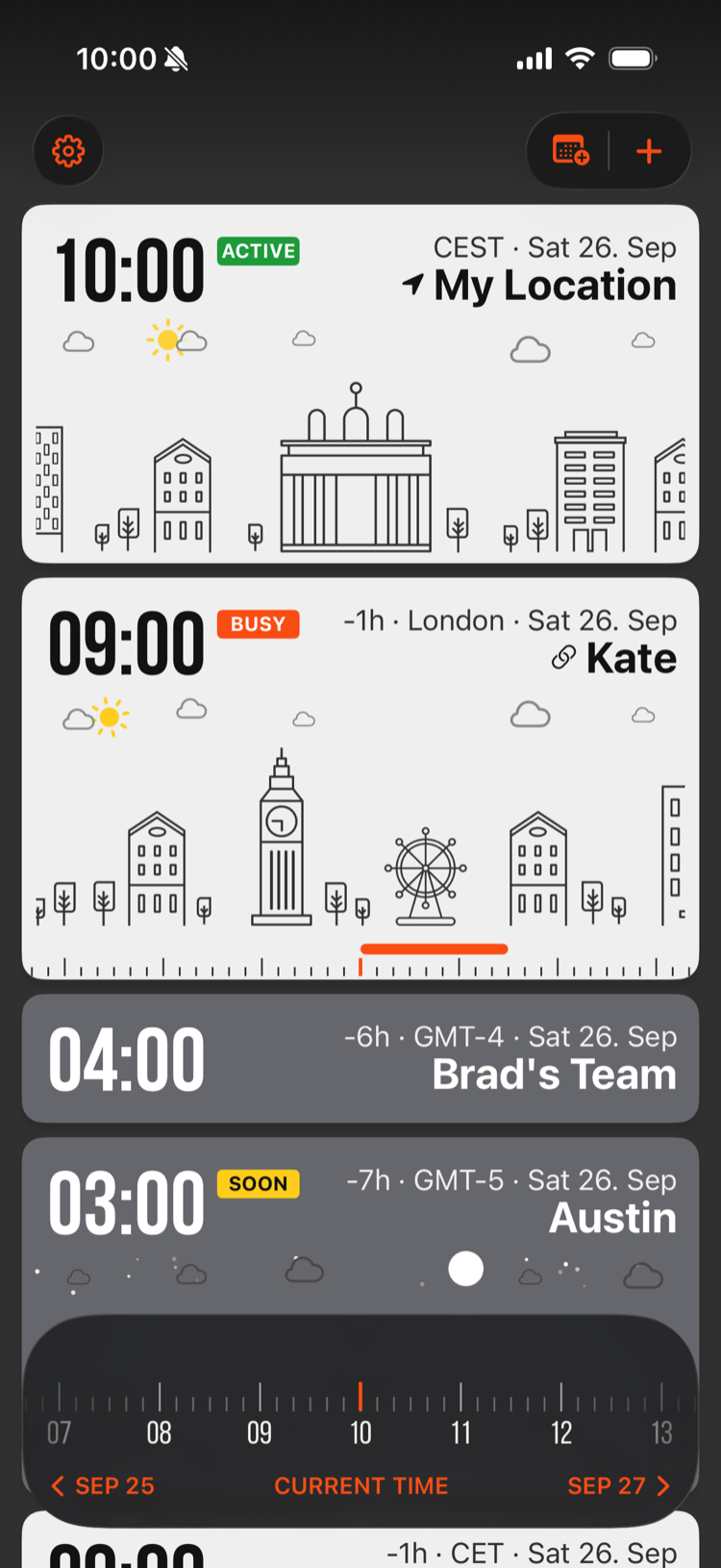
See when
they're
free.
Invite a colleague, client or friend by email or message. Once they accept, you both see each other's busy time right on their city card — only busy blocks, never event titles. It runs on iCloud, with no account and no server of ours. Three people are free, accepting an invitation is always free, and either of you can stop at any time.
Ring at
their time,
wherever you are.
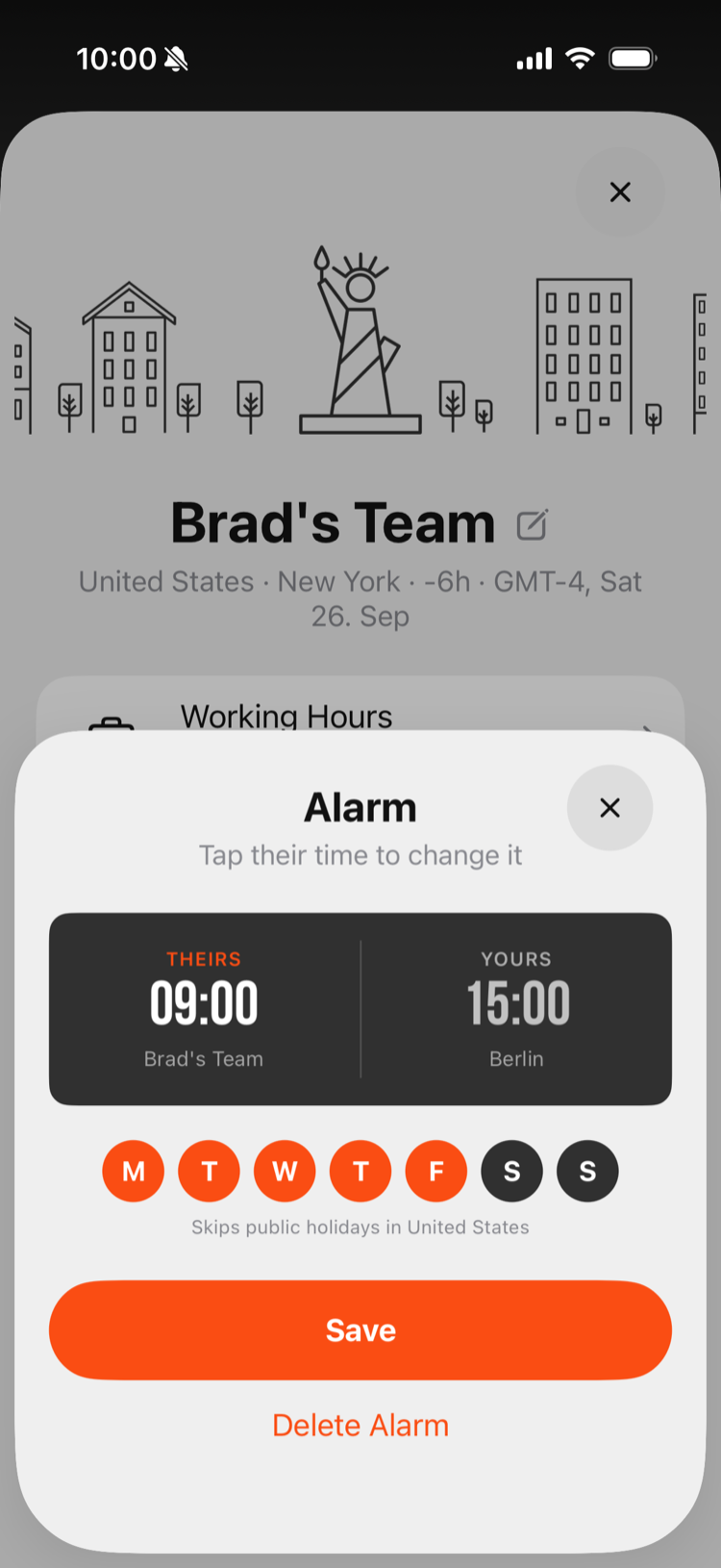
Set an alarm for a city or a person: 9:00 in New York rings at 9:00 there — and shows what time that is for you. It follows clock changes on both sides, skips their public holidays, and moves with a person who travels to another time zone. Snooze shows a countdown on your Lock Screen. One alarm is free.
Every timezone,
one click
away.
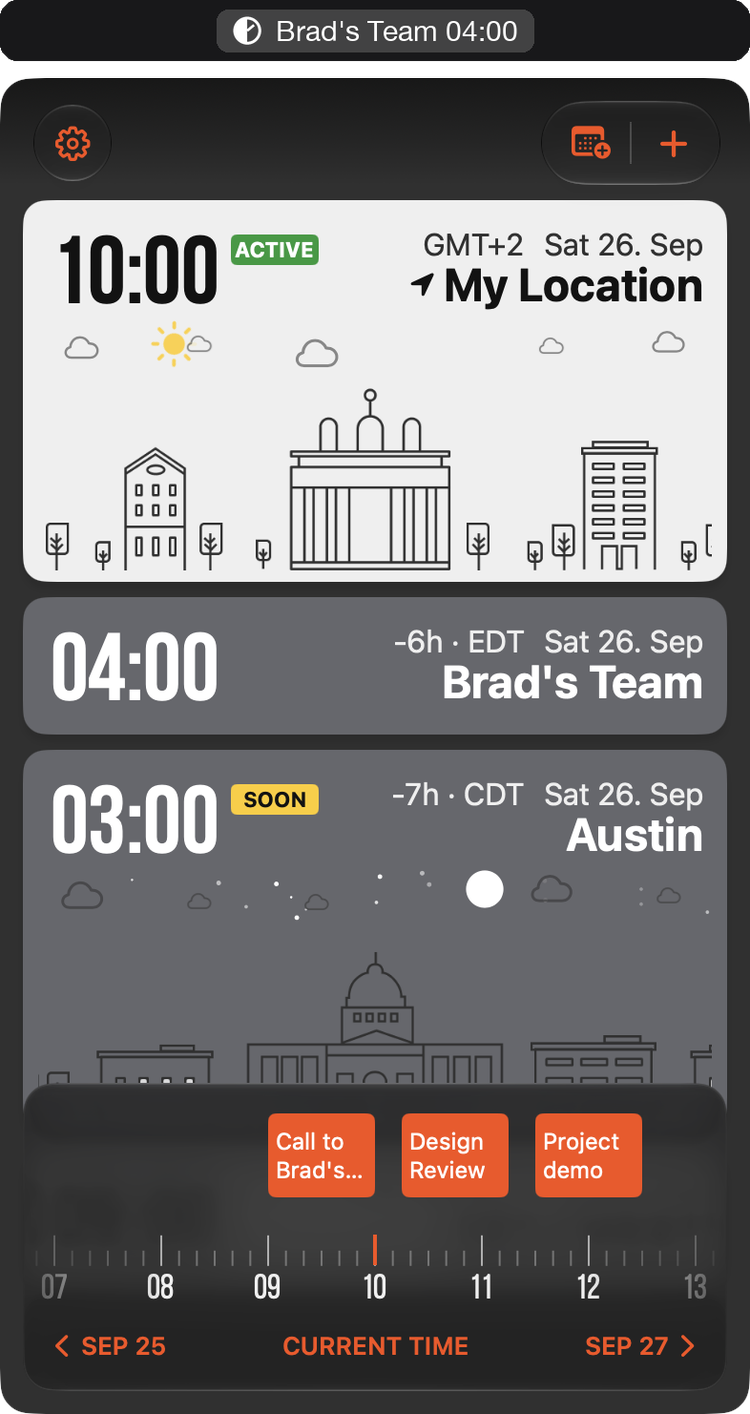
GlobeTempus+ for Mac lives in your menu bar. Keep the cities you care about right next to your clock, and click for the full world clock — the same cards, timeline and calendar as on your iPhone.
Unfold.
Every clock
fits.
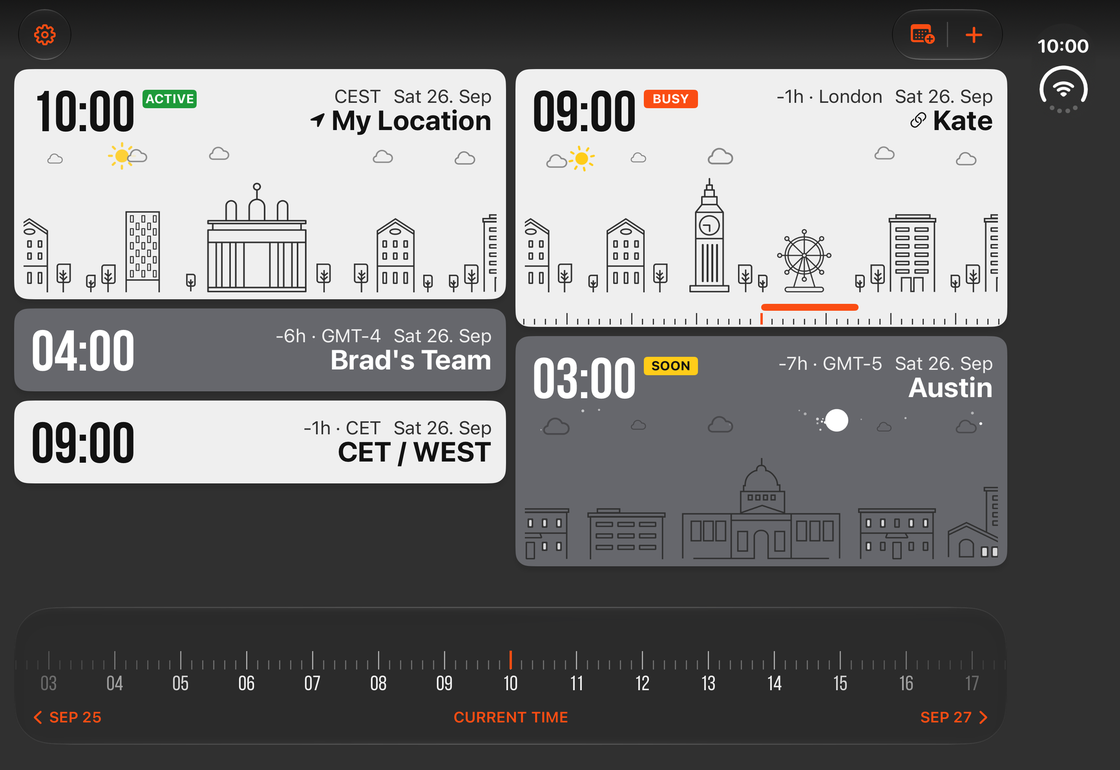
On the unfolded iPhone Duo your locations and people spread into two columns, packed without gaps, with the whole day on one timeline. Fold it, and everything fits the outer display.
Thoughtfully designed,
deeply useful.
Live World Clocks
Cards switch between day and night styling automatically, so you see at a glance who's likely awake.
City Illustrations
78 hand-drawn skylines, from Berlin's Brandenburg Gate to Austin's Capitol, lit for day or night.
Widgets
Home Screen and Lock Screen widgets for your world clocks, a single city, or the time difference between two cities.
Weather on Every Card
A glance at the sky in each city, so you know whether it’s a sunny morning or a rainy night where they are.
Any City or Town
Pick from a built-in list that works offline, or search for any place worldwide, then name it after a teammate, a team or an office.
Private by Design
No account and no sign-up. Your locations stay on your devices and in your own iCloud, your calendar never leaves them, and time works offline.
Questions,
answered.
What is GlobeTempus+?
GlobeTempus+ is a world clock and meeting planner for iPhone, iPad and Mac. It shows every city you care about on one timeline, together with your calendar, each location's working hours and its public holidays, so you can see at a glance who is at work, off or asleep.
How do I find a meeting time across several time zones?
Add the cities or teammates you work with, set their working hours once, then swipe the timeline. Every clock moves together, your calendar events sit on the same timeline, and when you find a slot that works for everyone you can create the event right there.
Can I see when my colleagues are working?
Yes. Give each location its working days and hours, and a live badge shows who is ACTIVE now or available SOON. With People, colleagues who accept your invitation share their busy time on their city card: only busy blocks, never event titles.
Does it handle daylight saving time and public holidays?
Yes. Clock changes are applied automatically on both sides, so times stay correct when any city switches to or from daylight saving time. A HOLIDAY badge marks cities on a public holiday, with upcoming holidays for 240+ countries, including regional holidays in Germany, the US, Canada and Australia.
Is there a Mac app and widgets?
Yes. On Mac, GlobeTempus+ lives in the menu bar (macOS 27 or later on Apple silicon) and syncs your locations with iPhone and iPad via iCloud. On iPhone and iPad there are Home Screen and Lock Screen widgets for your world clocks, a single city, and the time difference between two cities.
How is it different from the built-in Clock app?
The Clock app lists the current time in a few cities. GlobeTempus+ is built for planning: one timeline you can move through any day, working hours and holidays per location, your calendar next to every clock, shared busy time with people you invite, and alarms that ring at a time in another city.
Is GlobeTempus+ free?
It is free to download and includes two locations, three people and one alarm. Upgrade monthly, yearly (with a one-week free trial) or with a one-time lifetime purchase to unlock unlimited locations, people and alarms, plus event details and event creation. One purchase covers iPhone, iPad and Mac.
Do I need an account? What happens to my data?
No account and no sign-up. Your locations stay on your devices and sync through your own iCloud, your calendar never leaves your devices, and the clocks work offline.
Stop doing the
timezone math.
Start free with two locations, three people and one alarm. Unlock everything for unlimited locations, people and alarms, event details and event creation — one purchase covers iPhone, iPad and Mac.